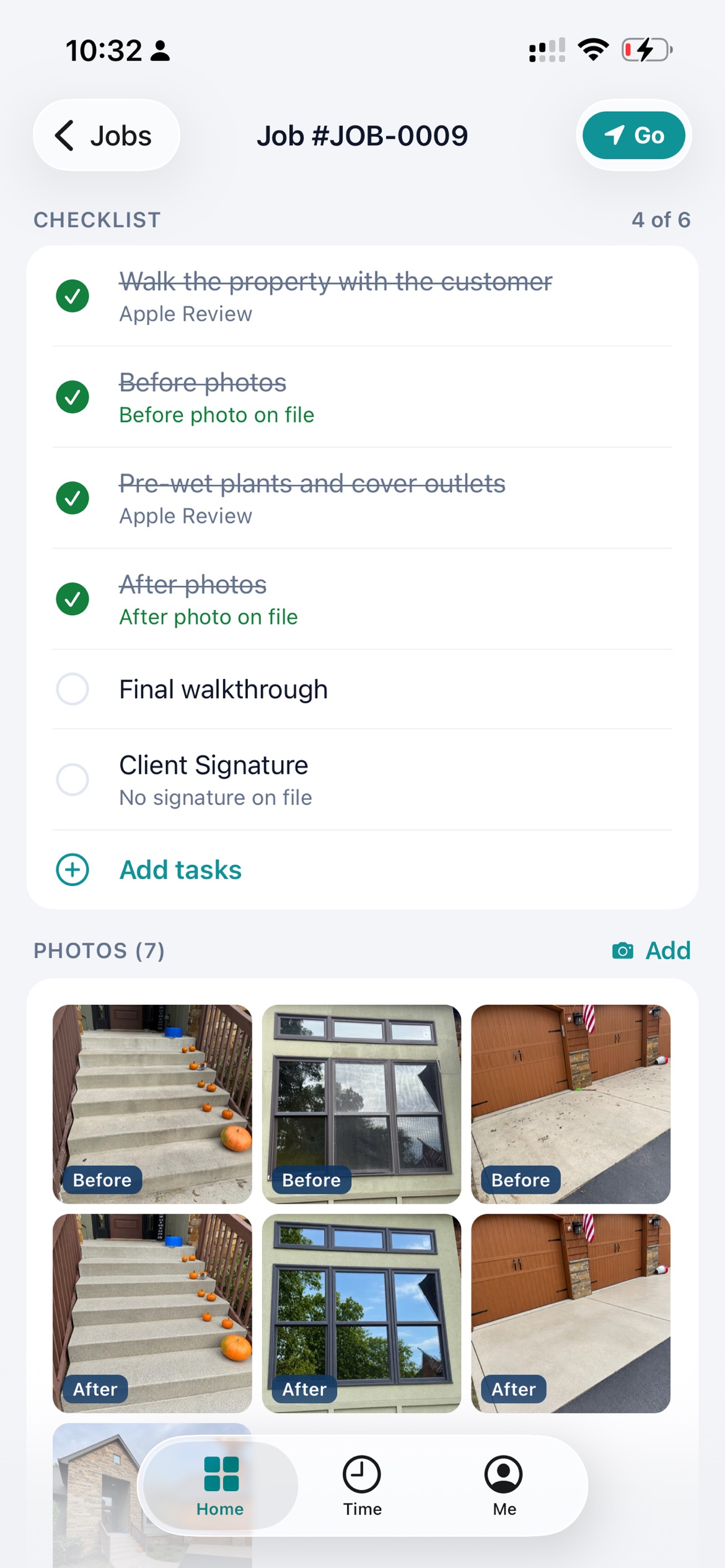
Is there a phone app?+−
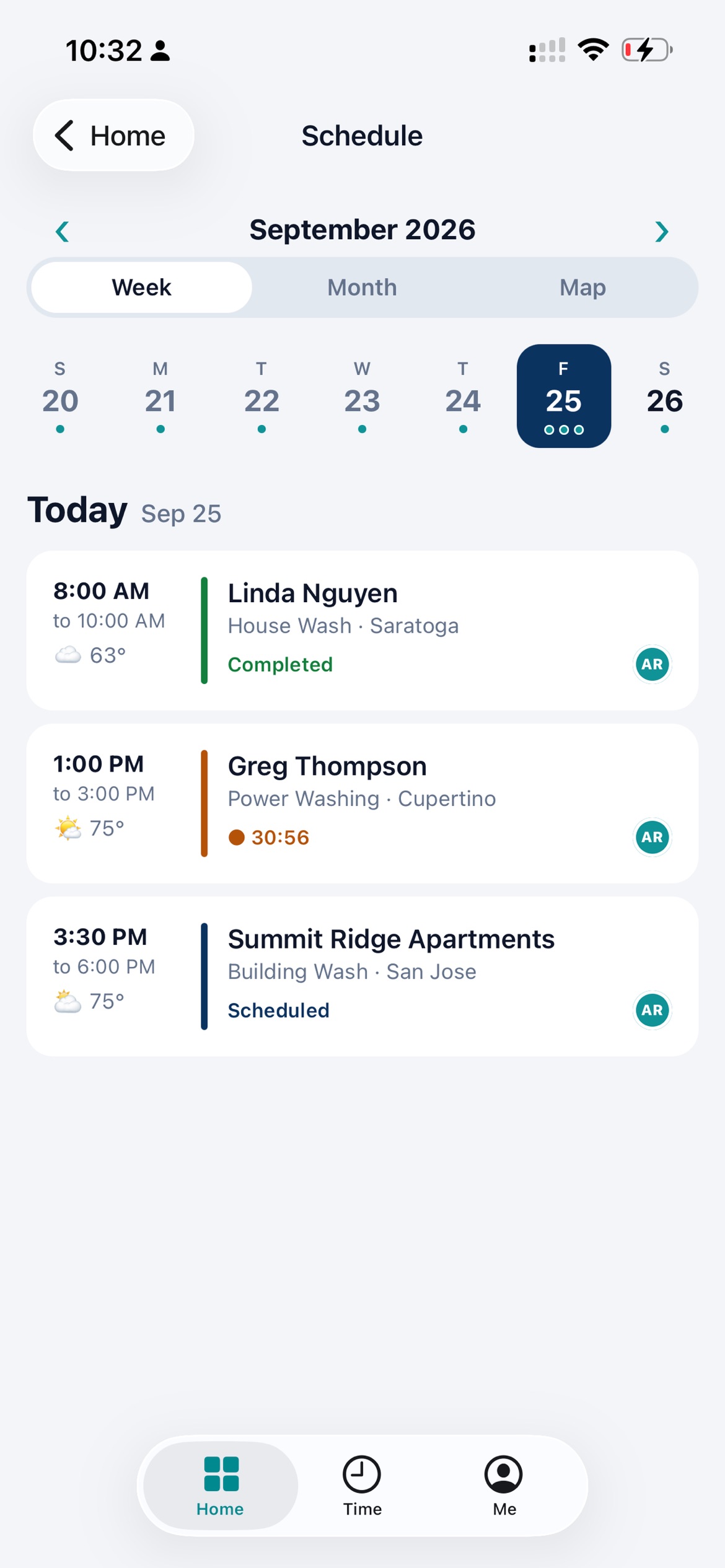
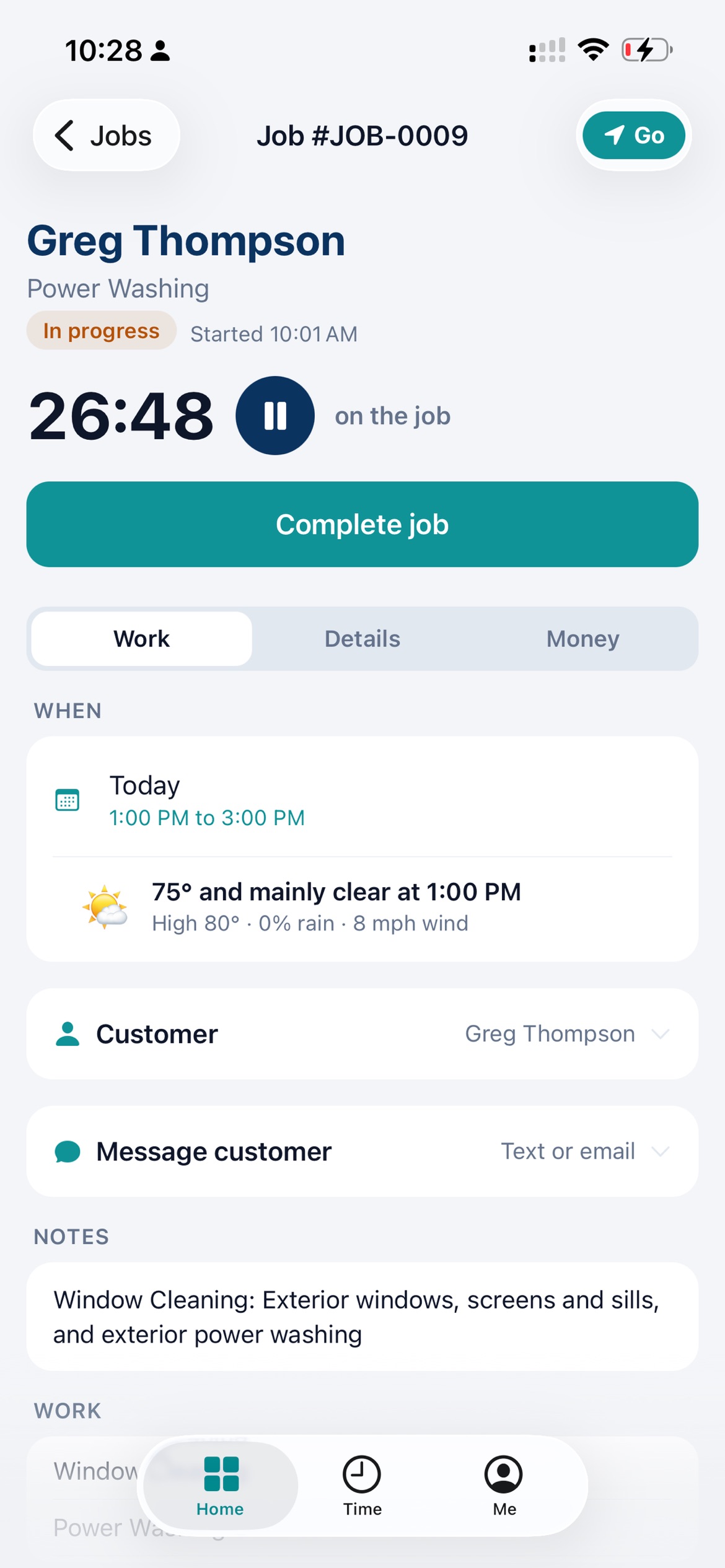
Yes. KinectMax is on the App Store for iPhone and uses the same account as the website. There is no Android app yet. On Android, kinectmax.com works in your phone’s browser.
Where does the forecast come from, and how accurate is it?+−
It comes from Open-Meteo for the place each job is in: the job’s saved map location when it has one, otherwise the center of its town, marked approximate. On the website, a job with a set time shows the temperature, conditions, chance of rain and wind for each hour of the job. In the iPhone app it shows the hour the job starts. An anytime job shows the day’s high and low. On the website each forecast also says when it was last updated. Forecasts reach as far ahead as Open-Meteo provides, usually about 16 days; for later dates KinectMax says the forecast is not out yet instead of guessing. It is a forecast, so it can be wrong. Use it to plan, and keep an eye on the sky.
How does route planning choose the order?+−
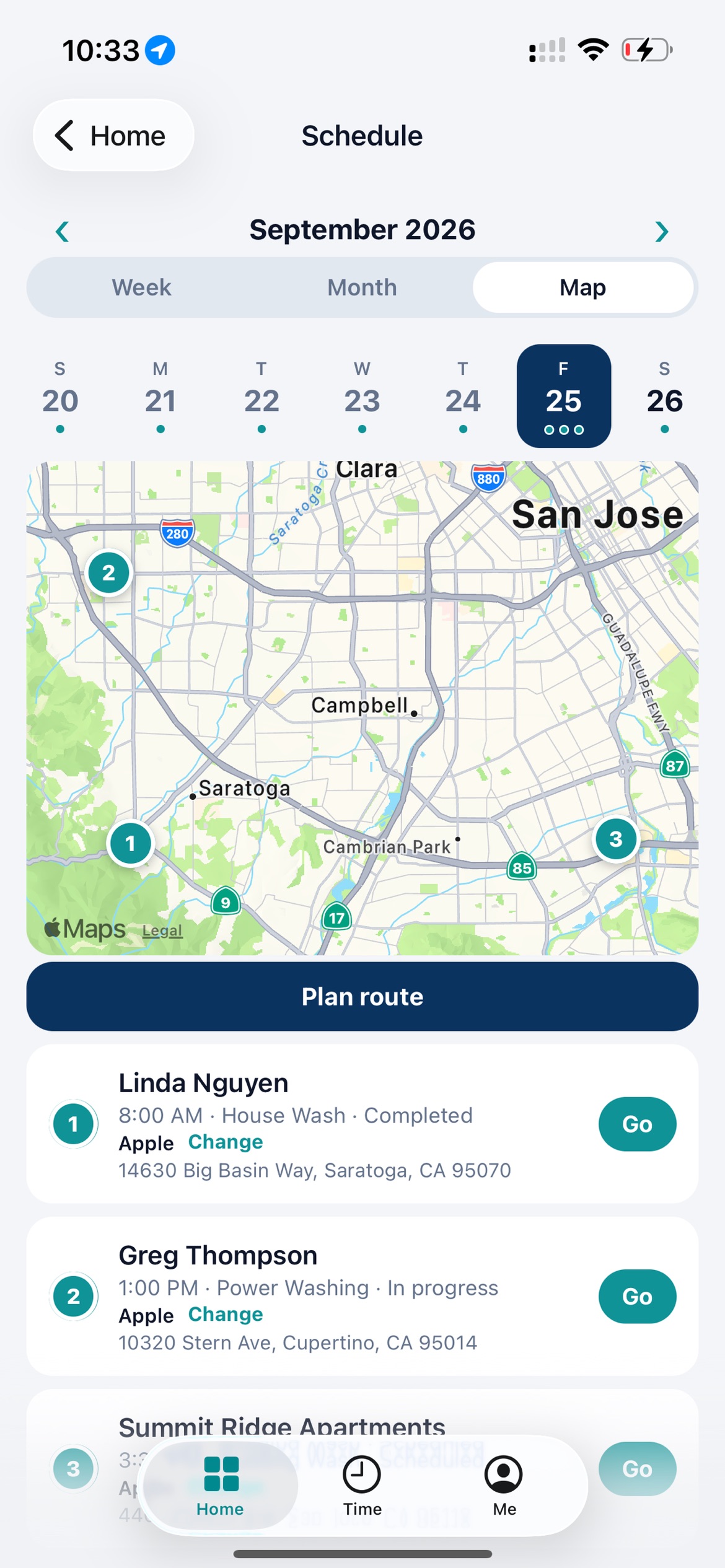
Plan route is in the iPhone app on paid plans, for owners and office staff. You pick a crew, a leave time, where the day starts and ends, and a break if you want one. Jobs with a set appointment keep their time unless you allow them to move, and anytime jobs are arranged around them to cut driving. Drive times come from Apple Maps, with an estimate from distance when those aren’t available. It picks a sensible order, not a guaranteed shortest one, and it is not turn-by-turn navigation. Nothing changes on the schedule until you review the plan and apply it, and you can undo it.
How does pricing work with a crew?+−
The Starter price covers you, the owner. Each additional person with their own app access is a set price per month, shown on the plan, billed monthly even if you pay for your plan yearly. Hire someone and add them; when they leave, remove their access and give the spot to the next person or stop its renewal at the end of its monthly billing period. Helpers you list on jobs without app access are free. Everyone with a sign-in gets a role, so a tech sees their own schedule while the office sees everything. During the trial you can add up to 25 people to try it with your whole crew. On Free, only the owner can sign in.
What happens when the trial ends?+−
If you don’t pick a paid plan, your account moves to Free. Your customers, quotes, jobs and invoices stay, but paid features and your team’s sign-ins need Starter. Team members’ sign-ins pause until you upgrade, and their work stays put. On Free, the owner can create 5 new quotes and 5 new invoices a month, and you can still open, send and collect on any quote or invoice you already have. Upgrade whenever you want.
How do my customers pay?+−
You connect your own Stripe account and customers pay invoices online by card. Stripe charges its processing fee, and KinectMax takes 1% of what you collect online, on every plan. Cash and checks you record yourself have no fee.
Can I bring in my existing customers?+−
Yes. On the website you can import customers, companies, your products and services, jobs, quotes and invoices from a CSV or Excel file, or add them as you go. Email us if you get stuck and we will help.
I don’t do exterior cleaning. Will it still work?+−
It was built in a pressure washing and window cleaning company, so that is where it fits best today. Lawn care, cleaning, handyman and other crews that go to the customer use the same quote, schedule, job and invoice flow. The trial is the quickest way to find out.